How does AI shorten recruitment from 4 weeks to 4 days? We check
How many hours do you waste on CVs, scheduling interviews, and manual onboarding? Well-implemented AI can shorten recruitment from 4 weeks to 4 days — but only if you know what to automate and what not to hand over to algorithms. See the numbers, case study, and the biggest risks: GDPR, bias, and decision quality.
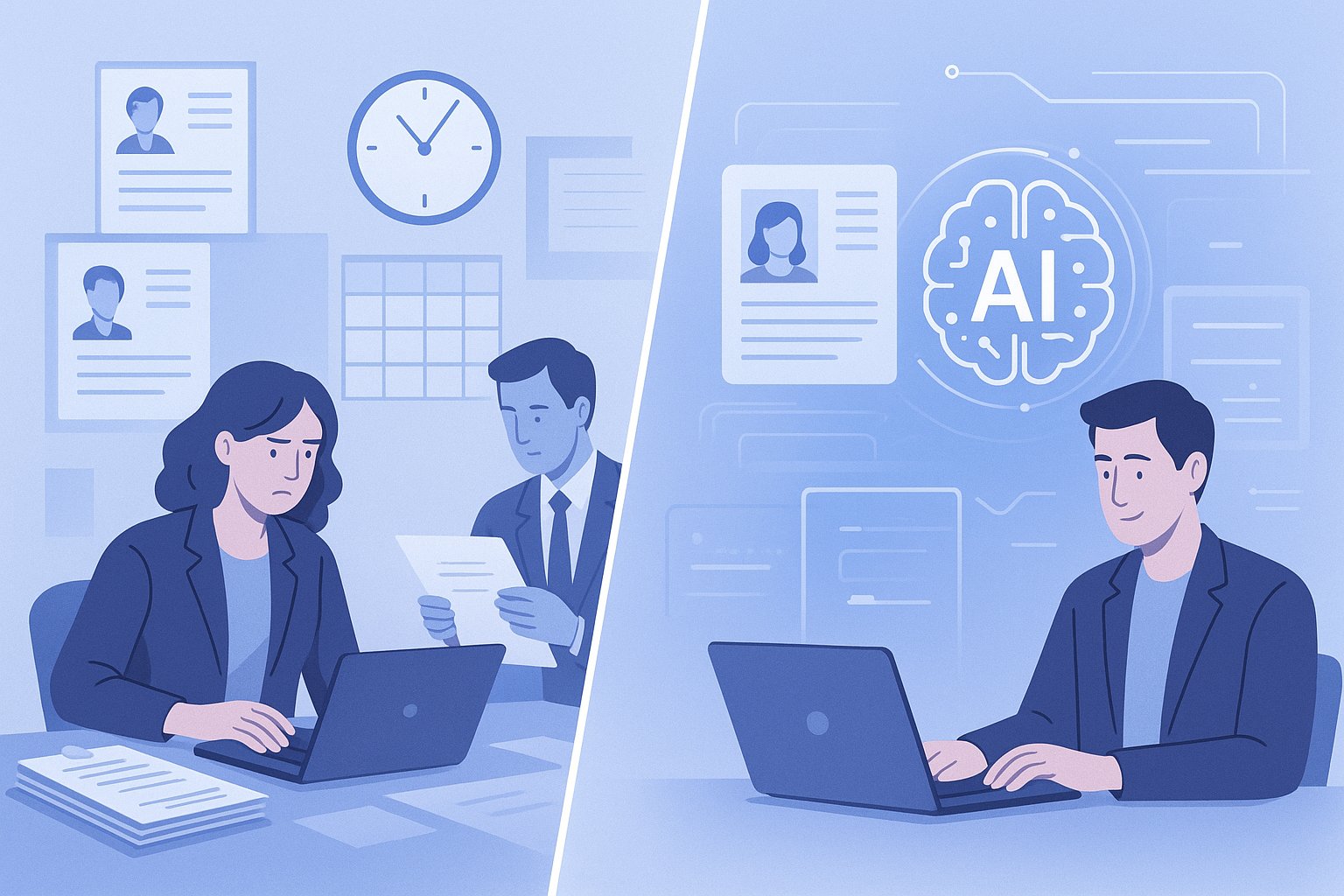
How many hours do you waste on CVs and onboarding? If you run recruitment in a mid-sized company or handle HR on your own in a small business, the answer is usually: too many.
The pattern is well known. First comes the job posting. Then the CVs start coming in, half of which are not a fit, a quarter are “just in case,” and a few look promising but still need to be compared. Add emails, phone calls, rescheduling, reminders for the hiring manager, notes after interviews, and finally onboarding, which often starts with chasing documents and copying the same messages for the tenth time.
And this is exactly where AI comes in. Not as a magic wand, but as a tool for shortening repetitive stages. In a well-designed process, it can reduce recruitment time from several weeks to a few days — especially in roles with a predictable profile, a high volume of applications, and where the HR team does too much manually.
This is not a text about “a robot hiring a human.” It is about how to regain time, avoid lowering quality, and not step on a landmine involving GDPR or algorithmic bias.
Where time really disappears in recruitment
In many companies, the problem is not a lack of candidates. The problem is that the process is fragmented and full of small tasks that individually take a moment, but together eat up a week.
The most common time sinks:
- manual CV screening,
- copying information from CVs into a spreadsheet or ATS,
- creating and editing job ads,
- answering repetitive candidate questions,
- scheduling interviews and rescheduling,
- preparing interview questions for each role from scratch,
- writing interview summaries,
- sending onboarding documents and checklists after hiring.
In practice, it looks like this: 120 CVs come in for one position. If you spend an average of 3 minutes on an initial review of each, that’s 360 minutes, or 6 hours. And that’s only the first stage. Add candidate selection for interviews, communication, notes, and onboarding. For one recruitment process, it easily becomes 15–25 hours of operational work.
If you run 3–5 processes at the same time, it is easy to reach a point where the HR team works more like an administrative center than a business partner.
What AI shortens fastest
Not every stage is worth automating. The biggest return on investment appears where tasks are:
- repetitive,
- text-based,
- require comparing a large number of similar data points,
- should not be the final decision, but are great for preparing the material.
AI most often helps in 5 areas.
1. Creating and refining job ads
Instead of writing from scratch, you can generate several versions of a job ad:
- a shorter one for social media,
- a full version for a job board,
- a more formal or more “human” version,
- a variant without exclusionary language.
This usually saves 30–60 minutes per position. Not much, perhaps, but it makes a difference when you have several recruitments a month.
2. Initial CV screening
AI can compare a CV against the job requirements and prepare:
- a candidate summary,
- a list of matched competencies,
- missing criteria,
- questions to clarify during the interview.
Important: this is not about automatically rejecting people, but about speeding up the first analysis. Instead of reading 120 CVs cover to cover, you start with an organized list and short summaries.
For larger hiring rounds, the savings often amount to 4–8 hours.
3. Candidate communication
AI works very well for preparing:
- application receipt confirmations,
- interview invitations,
- messages requesting additional information,
- polite rejections,
- candidate FAQs.
You do not have to send everything automatically without review. Often it is enough for AI to prepare a draft and for the recruiter to approve it. That cuts response time from several minutes to a few dozen seconds.
4. Notes and summaries after interviews
After recruitment meetings, the same thing usually happens: everyone remembers something, but the notes are in different places, and after two days it is hard to reconstruct the details. AI can help standardize summaries according to one scheme:
- experience,
- role fit,
- risks,
- strengths,
- recommendation for the next step.
The result? Less chaos and faster decisions by the hiring manager.
5. Onboarding after signing the contract
This is a stage that is often underestimated. Yet a new hire is also being “recruited” into the company — just from the other side. AI can support:
- onboarding checklists for day 1, 7, and 30,
- welcome messages,
- the first-week schedule,
- materials for the manager and the new employee,
- answers to the most common administrative questions.
The savings here can be very concrete: 2–4 hours per new employee, and with several hires per quarter, that is no longer a small thing.
Case study: hiring a sales specialist in 4 days
Let’s take a real, typical mid-sized company scenario. A service company, 45 employees, one HR Manager, and the owner involved in the final decision. The need: hire a B2B sales specialist.
Previously, the process looked like this:
- day 1–3: refining the job ad and publishing it,
- day 4–12: collecting applications,
- day 13–16: manual CV screening,
- day 17–20: scheduling interviews,
- day 21–24: interviews,
- day 25–28: decision and offer.
Total: about 4 weeks.
After streamlining the process and implementing simple AI tools, the company shortened it to 4 business days from closing applications to making an offer. What exactly was done?
Stage 1: a better job ad, fewer random CVs
AI helped rewrite the offer to make it more specific. Instead of the vague “sales experience preferred,” clear requirements were added:
- minimum 2 years of B2B sales,
- experience working with inbound and outbound leads,
- CRM knowledge,
- readiness to work hybrid, 3 days in the office.
Result: fewer “just trying” applications, more relevant ones.
Stage 2: screening 86 CVs in one afternoon
From 86 CVs, AI prepared short summaries and a fit assessment against 4 key criteria. The HR Manager was not making decisions blindly — they simply were not starting from a blank page.
Work time:
- before: about 4.5–5 hours,
- after implementation: about 1.5 hours.
Savings: 3–3.5 hours.
Stage 3: automatic message drafts and fast interview scheduling
AI generated ready-made templates:
- interview invitation,
- rejection after screening,
- message proposing a time slot,
- reminder the day before the meeting.
On top of that, a simple scheduling system reduced back-and-forth emails like “does Wednesday at 2:30 PM work?” Anyone who has ever coordinated three calendars at once knows that this is the moment when a person starts missing the postal pigeon.
Savings: about 2 hours.
Stage 4: interview summaries in one format
After each interview, AI helped compile notes into a unified document: competencies, motivation, risks, recommendation. As a result, the company owner did not have to decipher chaotic comments from Teams, email, and a notebook.
Savings: 1–2 hours and a much faster decision.
Result
From the end of application intake to sending the offer, 4 business days passed. Not because AI “chose” the person, but because:
- the time between stages was shortened,
- manual copying of information was removed,
- communication was organized,
- decision preparation was accelerated.
The total operational time saved in this one recruitment process was about 7–10 hours. In a small company, that is often the difference between “recruitment blocks the whole week” and “the process can be handled without putting out fires.”
What AI does well, and what it should not do on its own
This is important, because it is easy to fall into two extremes. The first: “AI will handle everything.” The second: “AI is not suitable for HR.” The truth is less dramatic, but much more useful.
AI is good at:
- organizing large amounts of information,
- summarizing,
- comparing data according to specified criteria,
- creating first drafts of content,
- maintaining communication consistency.
AI should not independently:
- make the final hiring decision,
- reject candidates without human oversight,
- analyze data it should not process,
- “guess” a candidate’s traits based on unauthorized assumptions,
- replace the conversation and assessment of cultural fit.
The best working model is: AI prepares, humans decide.
Risks that must be stated plainly
If you implement AI in HR, it is not enough that it “works faster.” It must also work safely and fairly.
GDPR
A CV contains personal data. Sometimes also information that you do not want to process more broadly than necessary. That is why, before using AI tools, it is worth checking:
- where the data is processed,
- whether the provider offers adequate safeguards,
- whether you have a lawful basis for processing,
- whether you are not uploading data to an external tool that should not be there,
- whether privacy policy and internal procedures keep up with practice.
A simple rule: data minimization. If you do not need full personal data to assess fit, anonymize documents or work with a limited set of information.
Bias, or prejudice in data and decisions
AI can reproduce biases present in data, language, and previous decisions. If the company historically preferred a certain candidate profile, a poorly designed process may only reinforce that.
The risk increases when:
- criteria are unclear,
- the prompt or tool favors “similarity” to the current team,
- nobody checks why candidates received certain scores,
- AI acts like a black box.
That is why it is worth regularly asking:
- Are the criteria related to the role, or to our habits?
- Are we eliminating candidates for CV style rather than lack of competence?
- Can the decision be explained to a human and to the business?
The illusion of objectivity
Just because a result looks “systematic” does not mean it is neutral. A table of points can lull you into complacency. Yet someone set the criteria, someone wrote the prompt, someone decided what matters more.
In other words: AI organizes the decision, but it does not remove responsibility for the decision.
How to implement AI in HR without revolution and chaos
You do not need to start with a huge transformation project. It is often better to choose one process and improve it properly.
A good start looks like this:
- Map the recruitment process step by step.
- Mark the places where the team performs repetitive manual work.
- Calculate the time for one position: screening, communication, notes, onboarding.
- Choose 1–2 areas to automate.
- Set data security and human oversight rules.
- Prepare prompt templates and checklists.
- Test it on one recruitment and compare the result with the previous process.
The most common mistake? Starting with the tool instead of the problem. If you do not know where the time is going, you will buy another app and still be manually putting out fires — just in a nicer interface.
Who benefits the most
Usually three groups gain the most:
- HR Managers in mid-sized companies, who have a lot of operational work and little time for strategic activities,
- recruiters, who run several processes at once and want to deliver shortlists faster without losing quality,
- small business owners, who do not have a large HR department but want to hire more efficiently and professionally.
If you are in one of these groups, AI does not have to mean technical jargon or a corporate-style rollout. In practice, it is about a few well-chosen use cases that immediately relieve the team.
Where to learn this in practice
If you want to move from theory to action, it is worth reaching for material that does not end with vague statements like “AI can help in HR.” A good direction is the course AI in HR: recruitment, onboarding and HR automation.
It is a sensible option especially for HR managers, recruiters, and owners of smaller companies, because the course is hands-on and grounded in the realities of a mid-sized organization. No technical fluff, but with what really helps at work:
- ready-made prompt templates,
- recruitment and onboarding checklists,
- case studies,
- a practical approach to automating HR processes.
The biggest advantage? You do not have to invent everything yourself from scratch. You get ready-made templates and checklists in the course that can be adapted to your own company and implemented faster than after a week of trial, error, and mild frustration.
How much can you realistically save
Of course, not every recruitment will shrink from 4 weeks to 4 days. It depends on the role, the number of candidates, manager availability, and process maturity. But even conservative scenarios look good.
Example savings for one recruitment:
- preparing the job ad: 30–60 minutes,
- CV screening: 3–8 hours,
- candidate communication: 1–3 hours,
- notes and summaries: 1–2 hours,
- onboarding after hiring: 2–4 hours.
Total: 7.5 to 17 hours less operational work.
And now a simple calculation. If you run 3 recruitments a month and save an average of 8 hours on each, you get back 24 hours. That is three full business days. Time that can be spent on employer branding, manager development, retention, or simply on work without the constant feeling that everything is “for yesterday.”
It is not about faster clicking. It is about a better process
The best AI implementations in HR do not look spectacular. There are no fanfares or futuristic dashboards. Instead, there is something much more valuable:
- shorter time to hire,
- less manual work,
- better communication with candidates,
- more structured decisions,
- smoother onboarding.
If your recruitment still takes 4 weeks today, the problem is not always the market. Sometimes the problem is a process that has long been asking to be slimmed down. AI can help — provided you implement it consciously, with human oversight and a clear understanding of the data.
And if you want to do it practically, not theory to theory, but from process to ready-made solutions, then the course AI in HR: recruitment, onboarding and HR automation will be a good next step. Especially if you care not only about shortening recruitment, but also about making the whole mechanism work more smoothly, more safely, and simply more lightly for the team.